
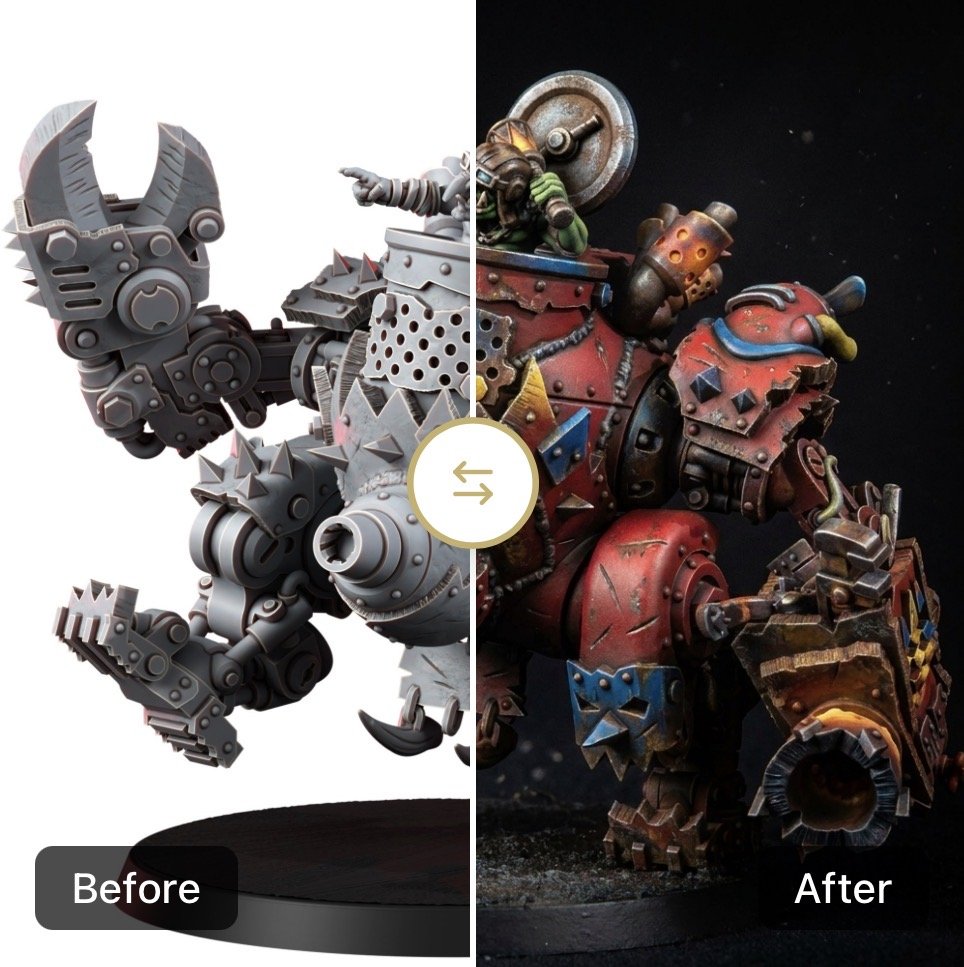
Elevate Your Hobby with AI Mini Painter
If you’re like me, the most daunting part of the hobby isn’t the assembly or the mould lines, it’s the “decision paralysis” that hits when you stare at a primed model with a brush in your hand. We’ve all been there: you have a cool idea for a “Grimdark Sea-foam” Space Marine, but you’re terrified that once the paint hits the plastic, it’ll look less “elite warrior” and more “minty toothpaste.”
Enter AI-MiniPainter.com, it’s a specialised suite of tools designed to take the guesswork out of your hobby. While the site offers everything from professional product photography renders to diorama generators, I want to focus on the crown jewel for the everyday hobbyist which is the AI MiniPainter tool.
But before I go any further I want to call out that I am in no way affiliated with or associated with AI-MiniPainter.com. It’s just something I’ve stumbled across and wanted to do a review of because I think it will be of interest to a lot of you.
What is AI MiniPainter?
In short, it’s a digital playground for testing colour schemes. Unlike older apps like impact, which require specific SVG files and manual “bucket-filling,” AI MiniPainter uses generative AI specifically tuned for miniatures. You upload a photo of your unpainted (or even just primed) model, and the AI “paints” it for you based on your prompts or selected styles. But like any generative AI out there the quality of the prompt can make a massive difference to the output.
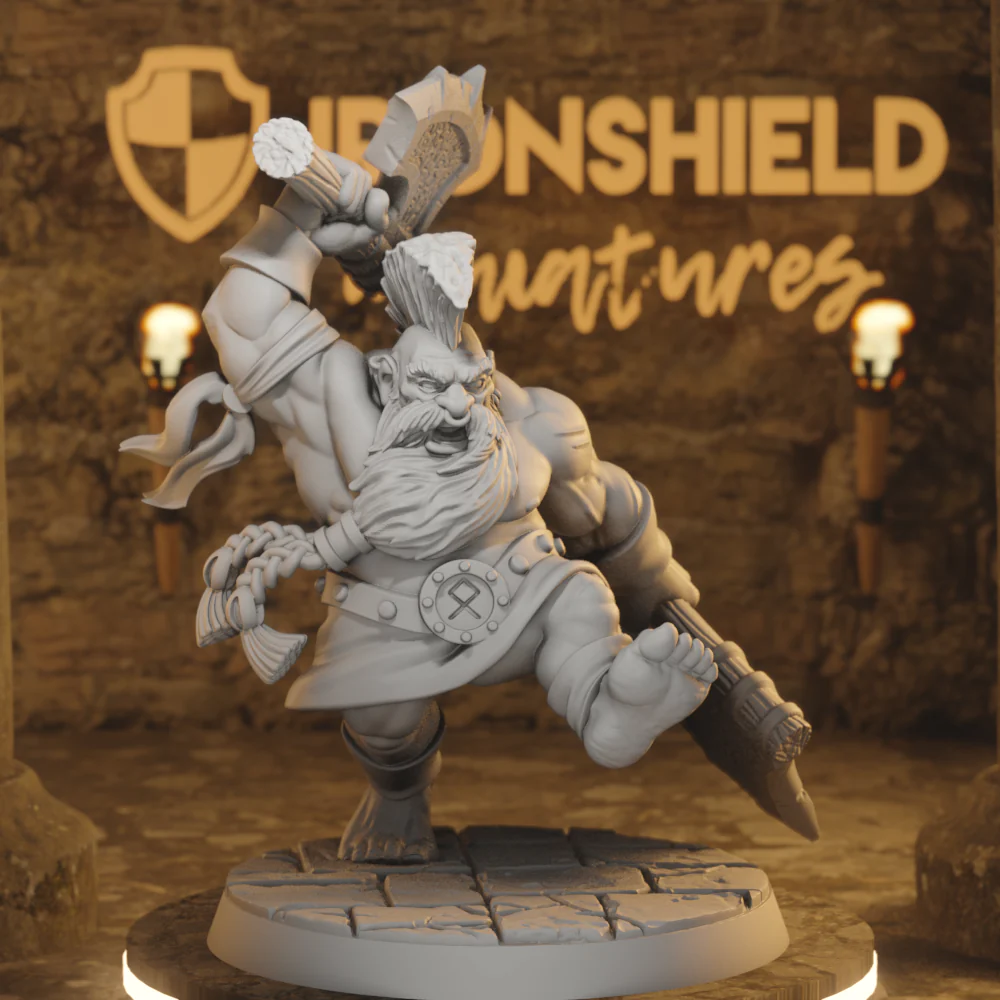
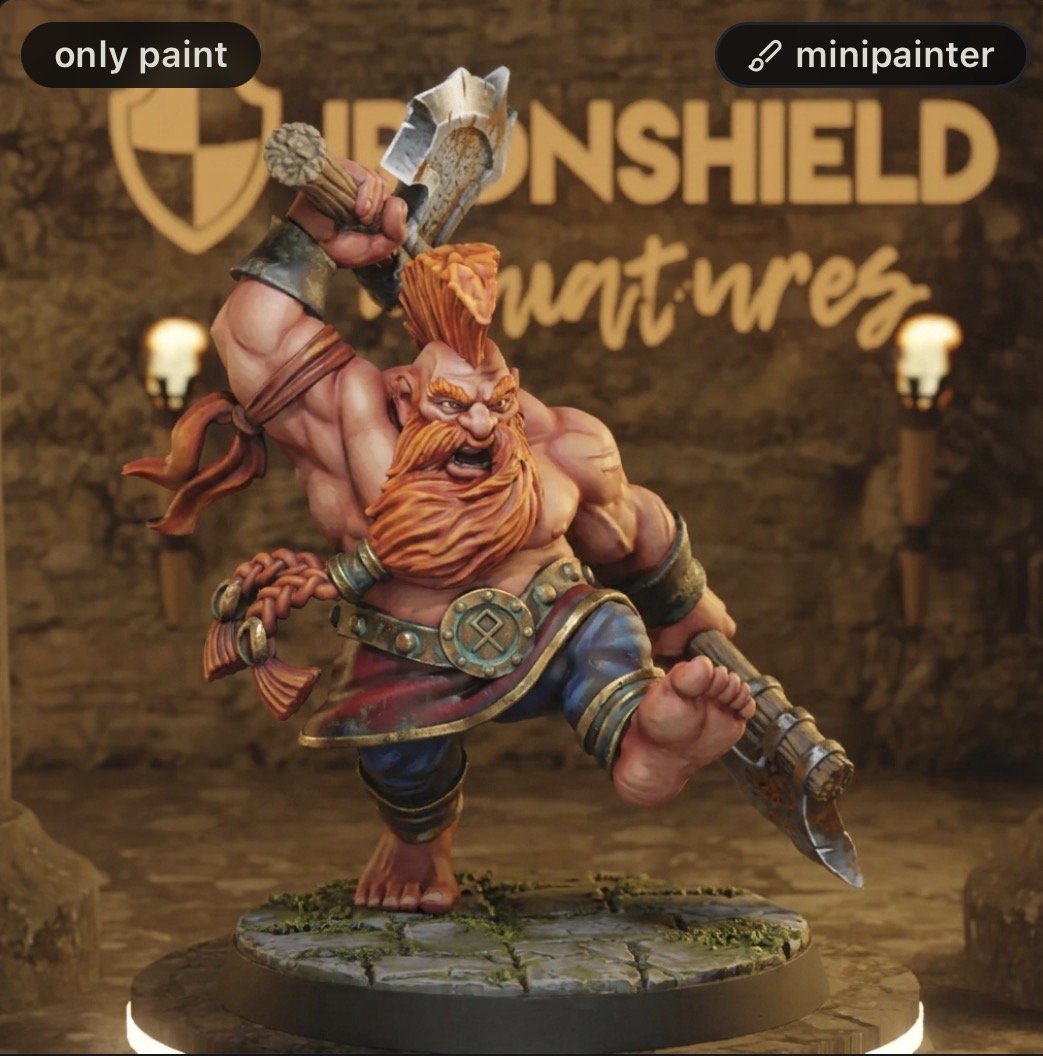
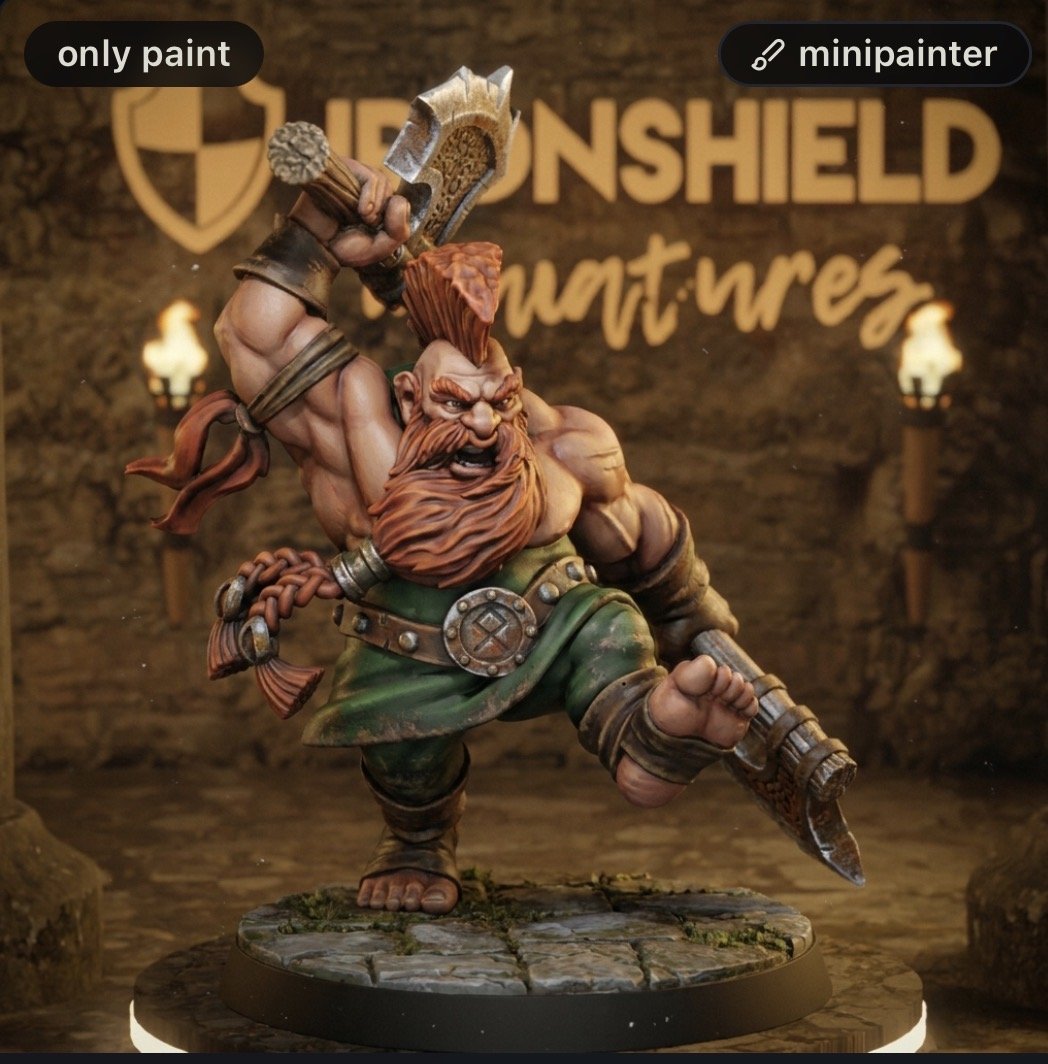
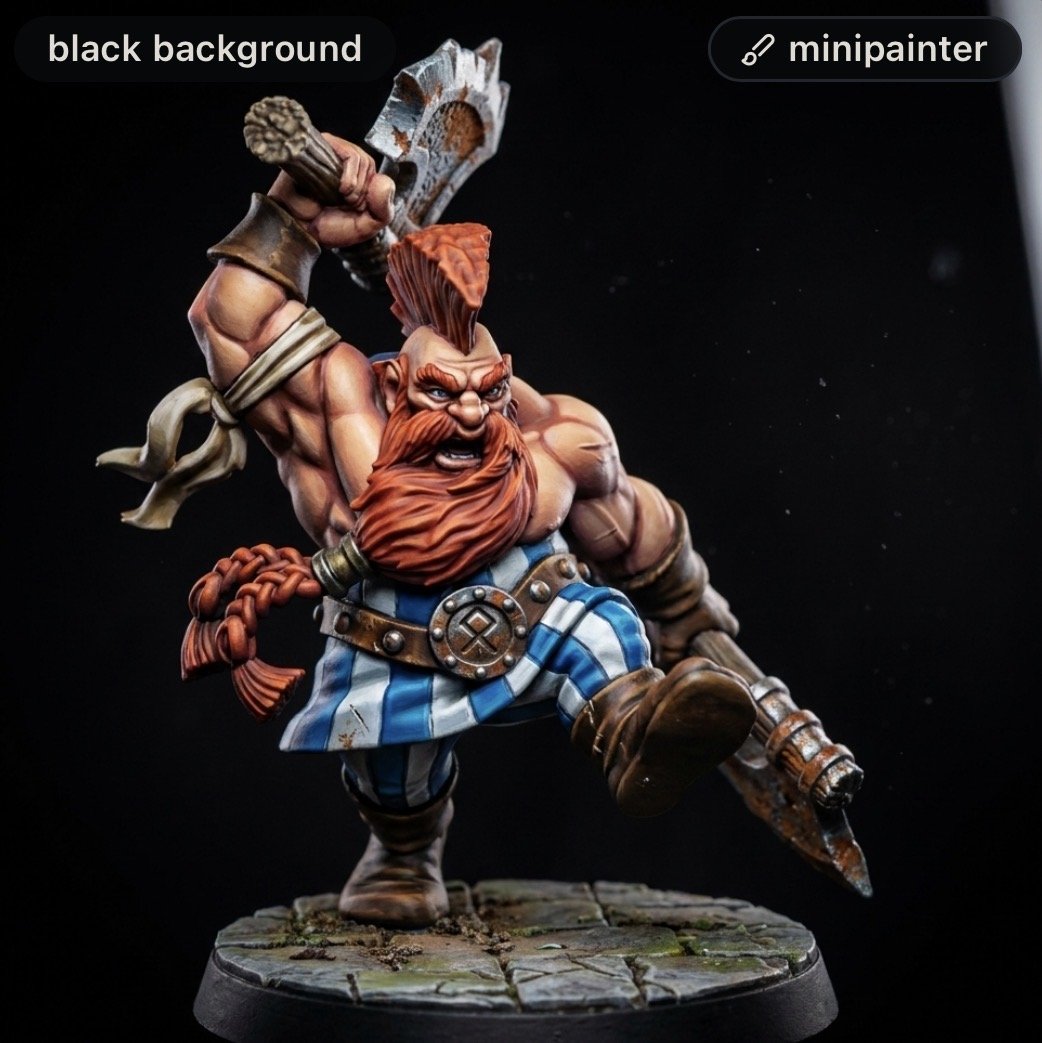
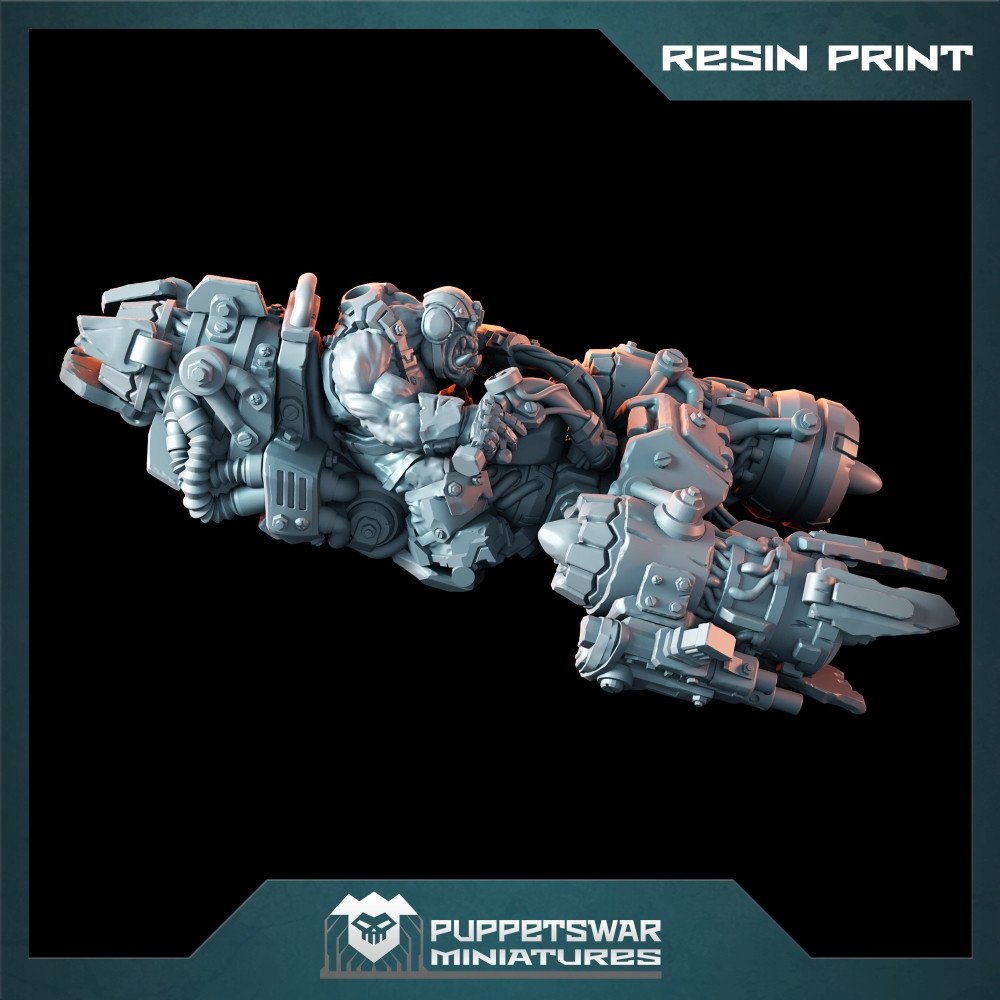
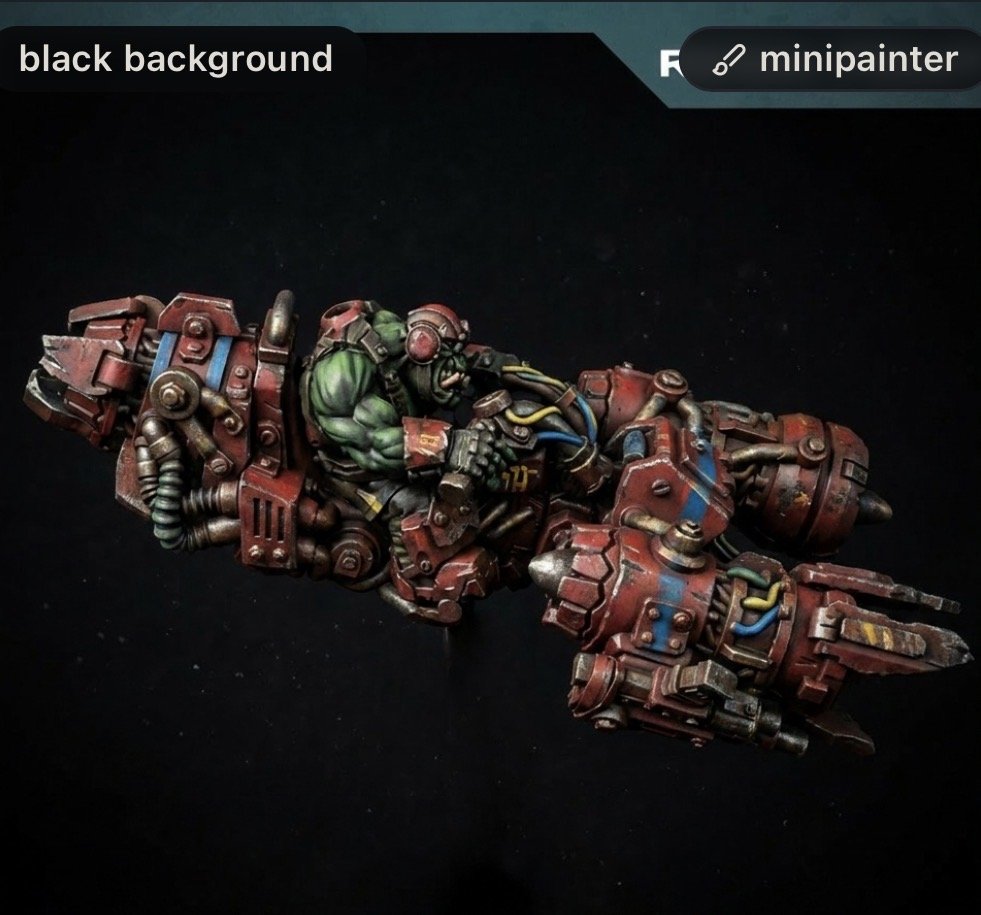
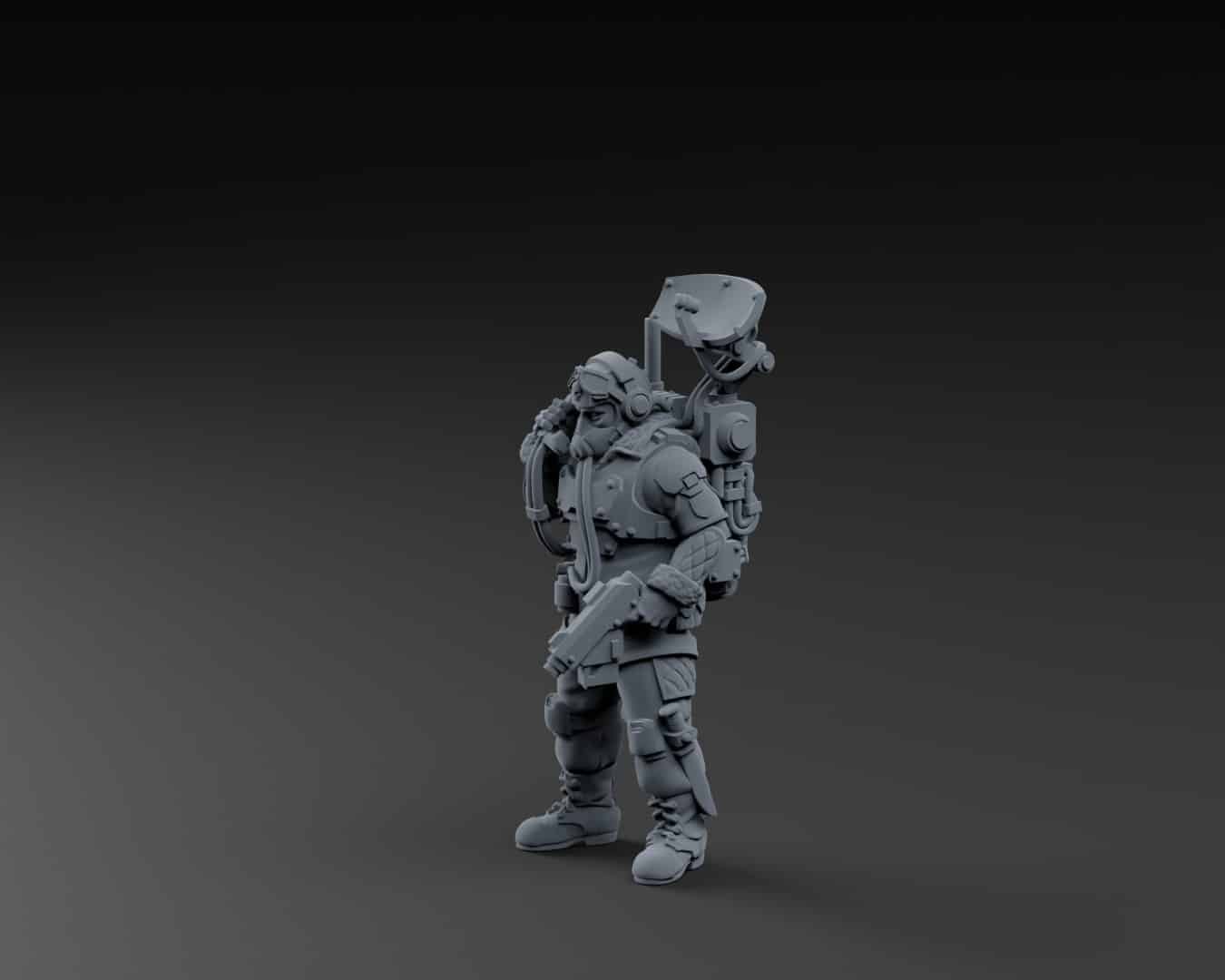
Before I go any further here are a few examples. I picked these min because I like the look of them and was thinking about how to go about painting them. I then just used a simple prompt and asked it to paint them in a few different styles from Dungeons and Dragons to Grim Dark . And as you can see the results are pretty impressive.
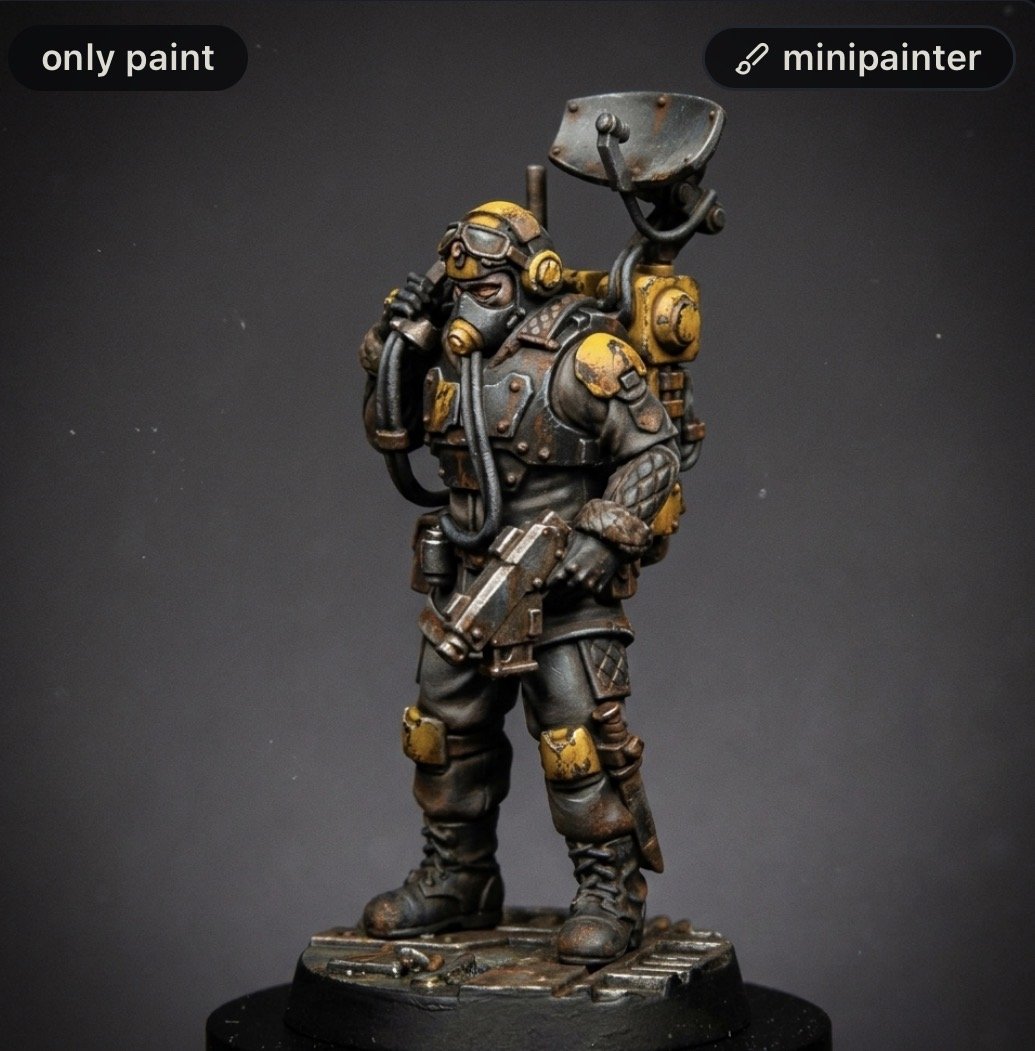
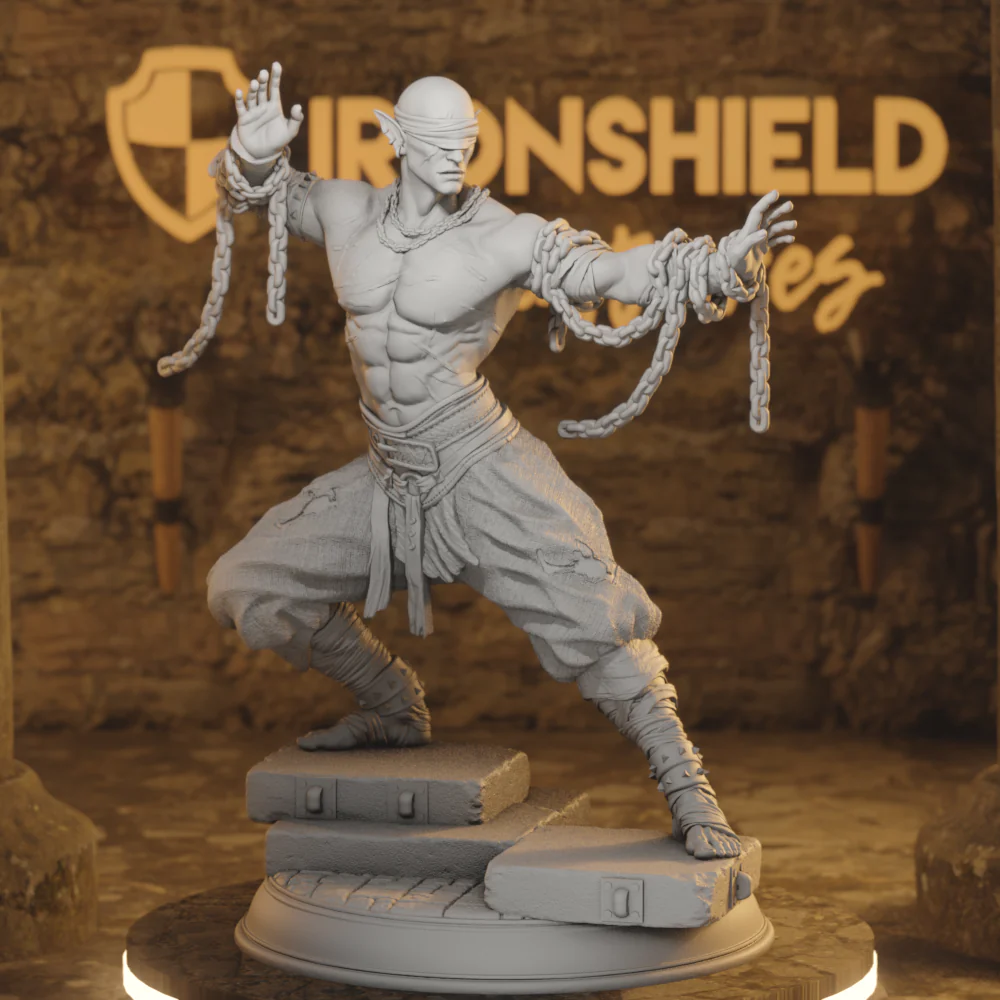
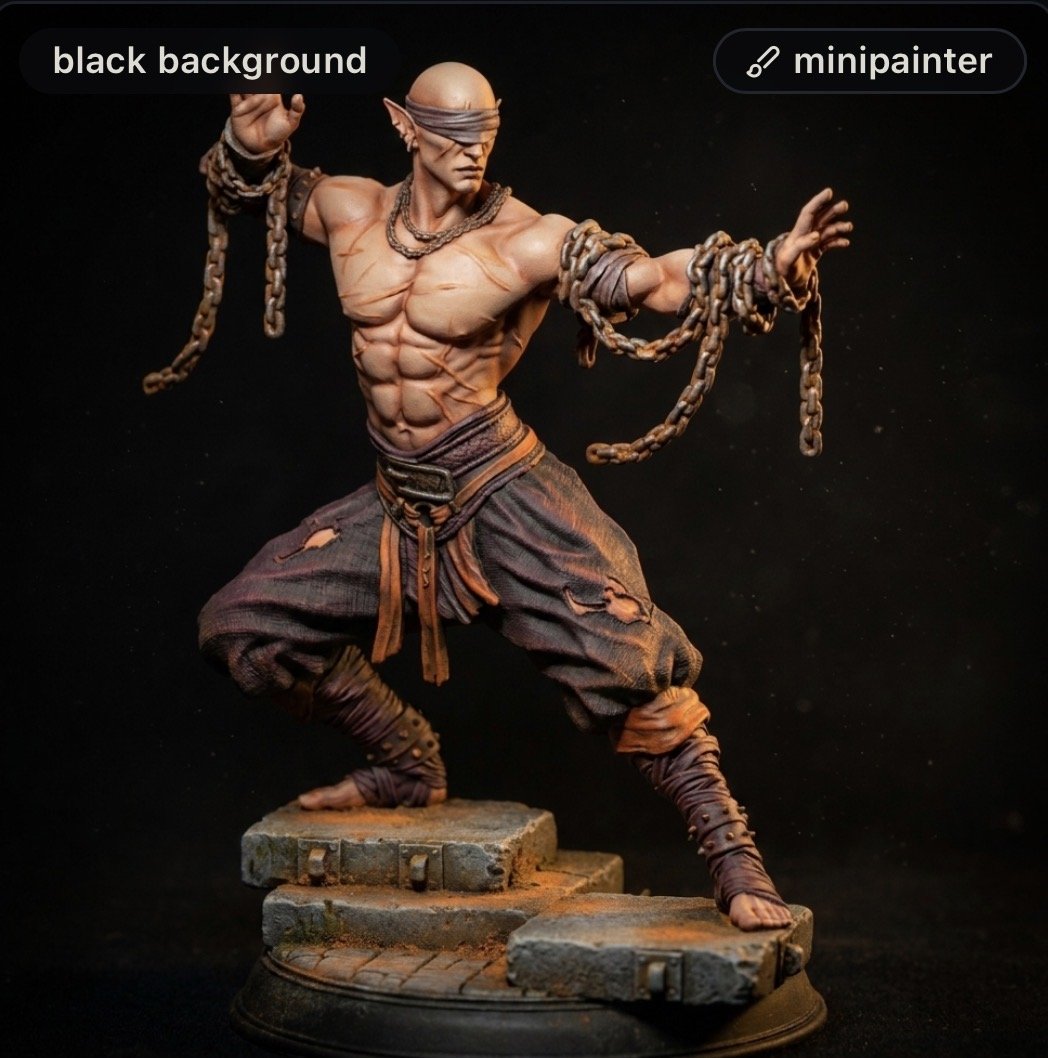
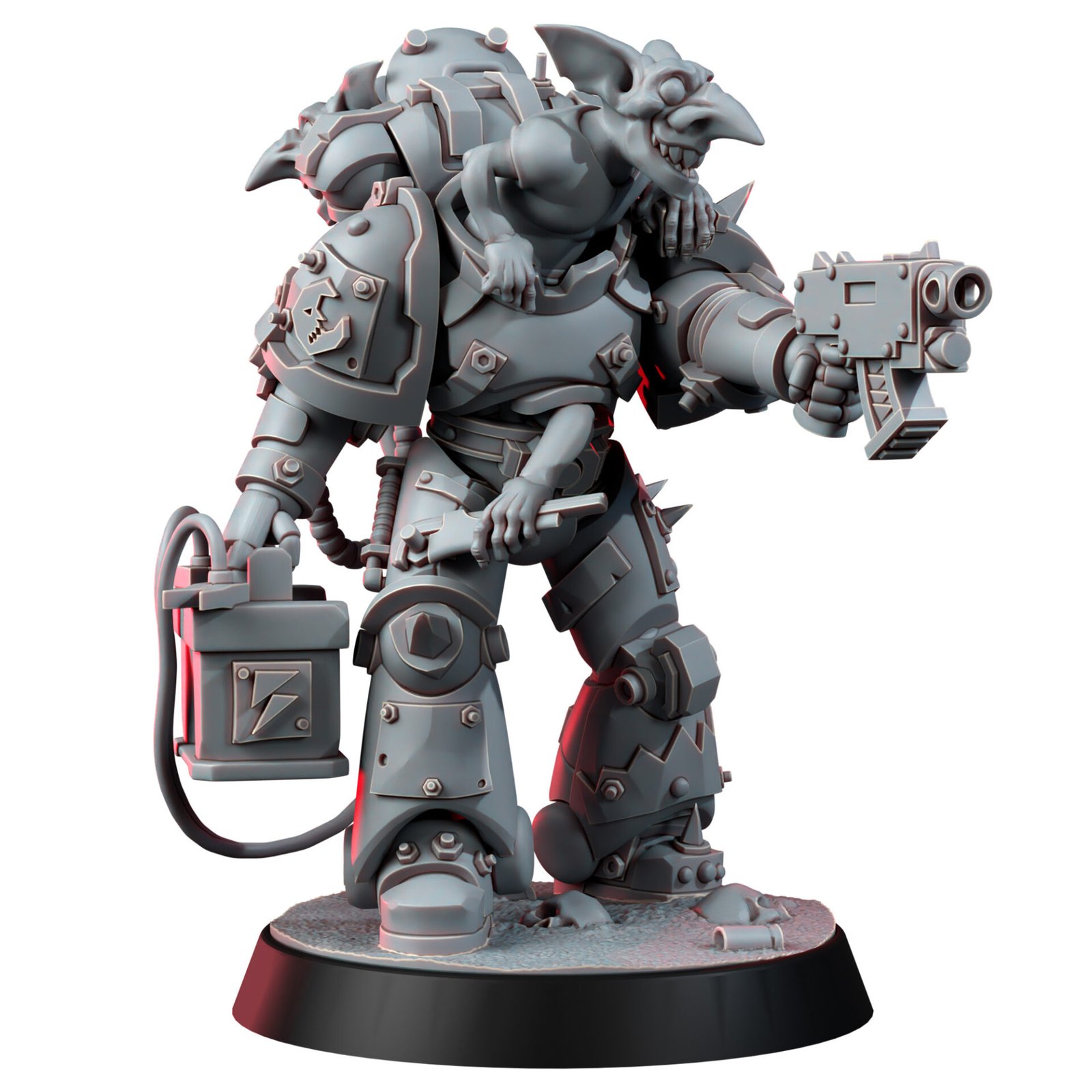
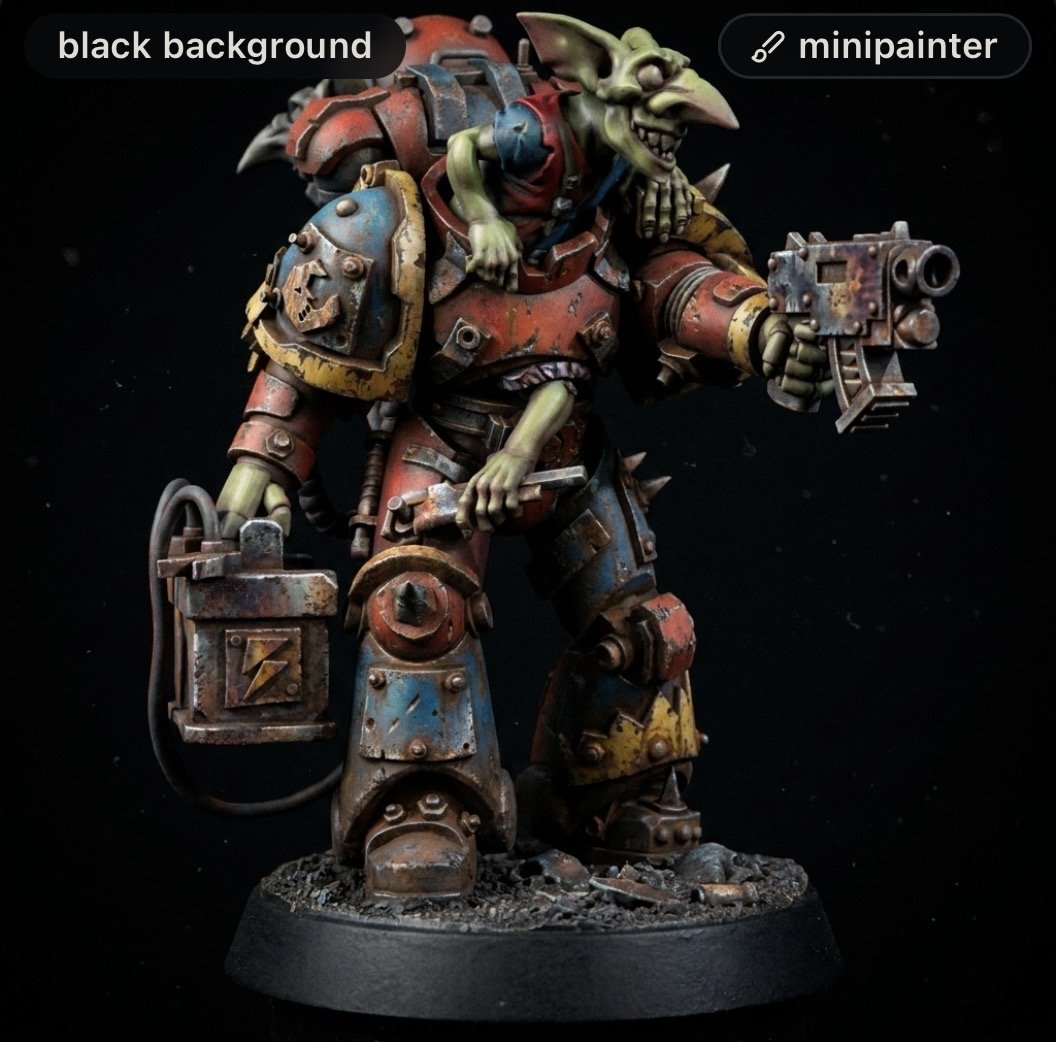
The Ultimate “Test Palette”
The real power of this tool is its ability to act as a concept tester. Here’s why this is going to be a staple on my digital workbench:
- Rapid Iteration: Want to see how your Tyranids look in royal purple vs. toxic orange? Instead of wasting paint and time on “test gaunts,” you can generate five different versions in seconds.
- Style Profiles: You can choose from presets like Tabletop Standard, Grimdark, High Fantasy, or Battle-Worn. This is a potential game changer because it doesn’t just change the colour; it changes the vibe. The AI understands where highlights should go and where grime should settle.
- Prompt-Based Customisation: You aren’t limited to buttons. You can tell the AI to “apply a desert camo pattern with rusted weathering,” and it understands the geometry of the miniature to place those effects realistically. Although as I have already said this all depends on the quality of the prompt.
Why It Works for Me and I Hope for You
For the community over here at TerminatorTids, I value efficiency and the” rule of cool.” This tool allows you to:
- Visualise the End Goal: It gives you a “North Star” image to look at while you’re actually painting.
- Colour Matching: It helps you identify which primary and secondary colours complement each other on the specific textures of your model (e.g., how a cloth cape interacts with plate armour).
- No Skill Required: You don’t need to be a Photoshop wizard. If you can upload a photo, you can use this.
Pro Tip: For the best results, take a photo of your mini against a neutral background with decent lighting. The AI uses the shadows of your physical model to determine where the highlights should sit!
Why It Might Not Work for you
Whilst I’ve been waxing lyrical so far there is a big con to this tool and that is that it’s not free. You can set up an account for free to try it out and with that free account you get seven credits. One credit equals one image conversation. If you then wan to do any more you have pay.
There are two subscription levels for what I would say are the normal hobby user or the professional. These are badged as the Painter and the Studio. The Painter level cost €9 a month and gives you 50 credits and there is the Studio level which costs €29 a month and gives you 200 credits.
Importantly whilst they are badged as subscriptions there is nothing here that actually renews. Taking the Painter level, because this is what I have actually tested. You pay your €9 and you get 50 credits. These credits last for 30 day and if you don’t use them then you loose them. However, if like me you get carried away and use them all really quickly,, you aren’t stuck with no access until your month is up. You can simply go back into your account and add more.
I think this makes the tool really valuable because you may have a month where your brain storming a new project and this is really useful. But then you might not need it again for a couple of months. So for the couple of months you aren’t using it you don’t need to pay.
I’ve gone crazy with new toy syndrome and done loads of images with it. So much so I’ve added a new gallery page which you can find here. You can see the original unpainted mini alongside the output from the tool to give you an idea of what you can expect.
There is one other thing to think about as well before committing and that is that at the Painter level there is no way to actually download any of the images you generate. Once the image is ready on the site you can view them in your own Gallery but all of these images are watermarked. But if you go into the Community section you can see your images, along with images from other uses. Importantly these don’t have a watermark on them.
What I have been doing is going into the Community section, each time I generate an image, doing a screen shot and then saving that images. It’s a bit of faf but one I’m prepared to live with. But that may be a deal breaker for you.
The Verdict
AI-MiniPainter.com isn’t here to replace the brush, it’s here to replace the “oops, I hate this colour” moment. It’s an incredibly accessible bridge between an idea in your head and a finished army on the tabletop. You just need to give the prompt the correct instructions.
Whether you’re a commission painter looking to show a client a preview or a casual hobbyist trying to decide on a Legion colour, this is a tool I think you need in your bookmarks.
Rating: 4.5/5 – The best “digital test-mini” on the market.
Have you tried AI-MiniPainter for your latest project? Drop your renders in the comments!

You May Also Like
Review: The Artis Opus ‘Duck’ – Have I Finally Found My Golden Goose?

Foundry Paints Review
